

POS System vs Cash Register: What’s the Difference?

POS system vs cash register is a common comparison for business owners deciding how to manage sales transactions and financial transactions effectively. A cash register records sales transactions, stores money, and prints receipts. A POS system goes further, combining POS software and hardware to process payments, track inventory, manage customer accounts, and generate detailed sales data reports.
For retail stores, restaurants, and small businesses, choosing the right system affects efficiency, scalability, and overall business operations. In this guide, we’ll break down the key differences, costs, pros and cons, and help you decide which option best fits your business.
What Is a Cash Register?

A cash register is a traditional checkout device used to record sales, store cash, and print receipts. It’s commonly used by small shops and low-volume businesses because it’s a simple cash register that requires minimal setup and training. However, it offers limited reporting, relies on manual inventory tracking, and doesn’t store customer data, which can restrict efficiency as a business grows.
Most cash registers, especially basic cash registers or old-school cash registers, perform essential functions: the cash register calculates totals, including sales tax, and opens the cash drawer to accept cash or card payments. However, electronic cash registers and POS cash register models vary in complexity and features.
What Is a POS System?

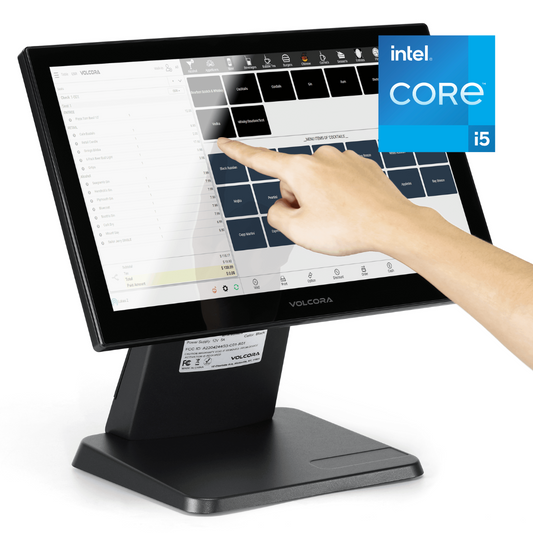
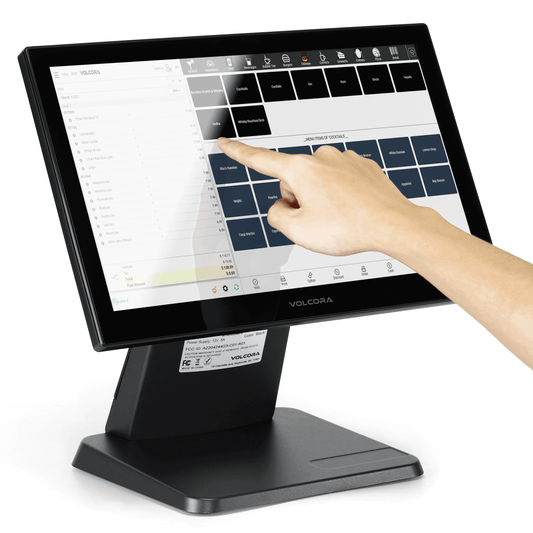
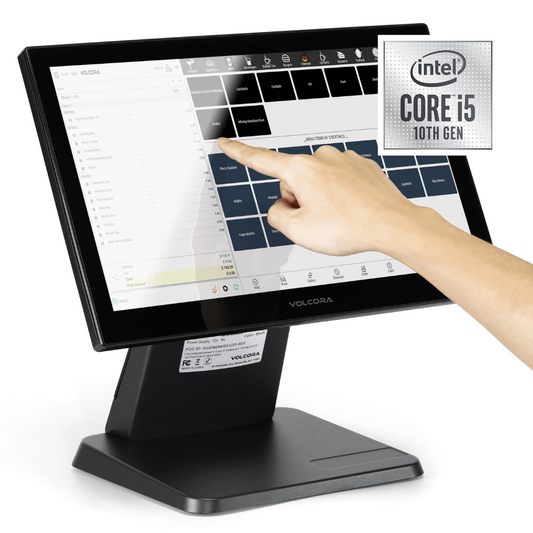
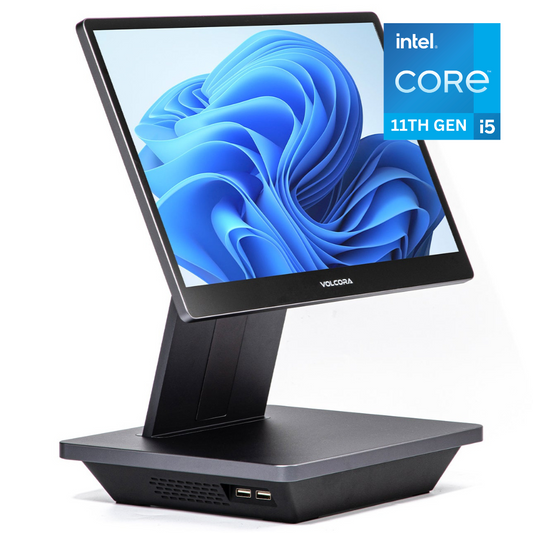
A POS system is a modern computerized system that combines POS software and hardware to accept payments, manage sales transactions, track inventory, and manage daily business operations from one central platform. In addition to handling transaction processing, it supports advanced features like real-time reporting, customer retention tools, employee management, and online ordering integration, making it a more scalable option for growing businesses. Learn more in our blog What is a POS System.
Disclaimer: Volcora is software-agnostic. We do not develop, sell, or exclusively partner with any POS software provider. Volcora supplies compatible POS hardware, including terminals, cash drawers, barcode scanners, and receipt printers, that integrates with a wide range of POS software platforms. The software examples and systems referenced in this article are for informational purposes only and do not constitute an endorsement or recommendation by Volcora.
POS System vs Cash Register: Key Differences
When comparing a POS system vs cash register, the differences affect far more than checkout speed. The right choice impacts inventory accuracy, reporting visibility, customer experience, and long-term scalability.

|
Category |
Cash Register |
POS System |
|
Features & Functionality |
Basic transactions, stores cash, prints receipts |
Full business management tool with sales, inventory, staff, and customer controls |
|
Inventory Management |
Manual tracking outside the register |
Real-time automatic updates with every sale and return |
|
Reporting & Analytics |
Basic daily totals |
Detailed reports (gross vs net sales, product performance, trends, peak hours) |
|
Payment Methods |
Mainly cash, sometimes basic card terminal |
Cards, mobile payments, contactless, and online payments |
|
Customer Management |
No customer data storage |
Customer profiles, purchase history, loyalty programs |
|
Scalability |
Best for simple, single-location businesses |
Supports multi-location setups and synced online + in-person sales |
Pros and Cons of a Cash Register
Before choosing between a POS system vs cash register, it helps to understand where a traditional cash register performs well and where it falls short. While it may suit simple operations, its limitations can affect long-term growth.
|
Pros |
Cons |
|
Lower upfront cost compared to full POS systems |
Limited reporting capabilities |
|
Simple to use with minimal training required |
Manual inventory tracking |
|
Minimal setup and installation |
No customer data or loyalty tracking |
|
Reliable for basic cash transactions |
Not ideal for growing or multi-location businesses |
Pros and Cons of a POS System
A POS system offers far more functionality than a traditional cash register, making it a strong choice for businesses focused on efficiency and growth. However, the added capabilities come with additional costs and setup considerations.
|
Pros |
Cons |
|
Automated inventory tracking with real-time updates |
Higher upfront hardware costs |
|
Real-time sales reporting and analytics |
Monthly subscription fees (depending on provider) |
|
Customer relationship management tools |
Learning curve for staff training |
|
Integrated payments supporting multiple methods |
More complex setup than a basic register |
|
Scalable for multi-location and online growth |
— |
Cost Comparison: POS System vs Cash Register
Cost is often the deciding factor when comparing a POS system vs cash register. If you want a detailed breakdown of software costs, hardware costs, transaction fees, and hidden charges, read our How Much Does a POS System Cost: A-Z POS Fees Explained guide.
|
Cost Factor |
Cash Register |
POS System |
|
Upfront Hardware Cost |
Lower initial purchase price |
Higher upfront investment (terminal, scanner, printer, cash drawer) |
|
Software Fees |
None |
Monthly subscription fees (in many cases) |
|
Payment Processing Fees |
Basic card processing (if supported) |
Integrated payment processing with varying rates |
|
Long-Term Operational Costs |
Manual inventory and reporting may increase labor time |
Automation reduces manual work and improves efficiency |
|
Hidden Costs |
Limited insights may impact profitability |
Add-ons, premium features, or higher-tier plans |
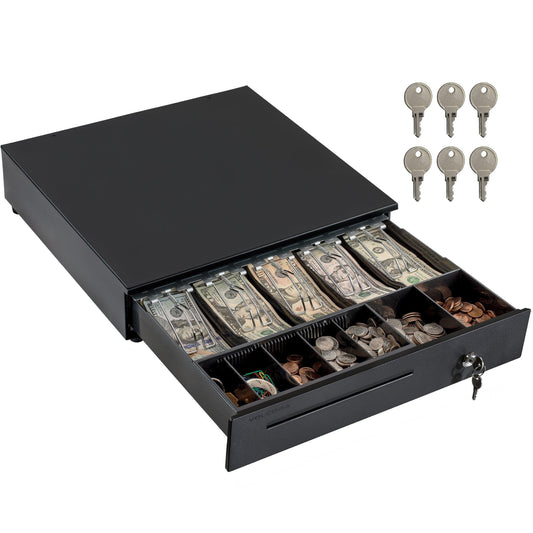
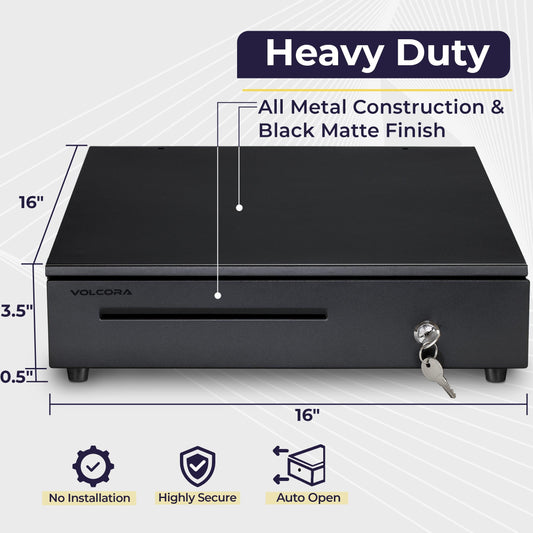
A cash drawer typically costs less upfront and can be a smart choice for small businesses that are still working their way up to a POS system or simply don’t need advanced features for daily operations.
For low-volume environments with simple transactions, it provides a straightforward solution without subscription fees, while a POS system, though more expensive initially, becomes more valuable as automation, reporting, and inventory control needs grow.
Which One Is Right for Your Business?
Choosing between a POS system vs cash register depends on your business size, transaction volume, and long-term plans. What works for a small shop today may not support growth tomorrow.

Small Retail Store
For a very small retail store with low daily transactions and simple pricing, a simple cash register may be enough. If you only need to record sales, store cash, and print receipts, the lower upfront cost can make sense.
However, once you need to manage inventory, barcode scanning, sales reports, or multiple payment methods, a POS system becomes necessary. Even small retailers often benefit from cloud POS systems that provide real-time inventory and clearer reporting as sales increase.

Restaurants & Food Service
In most cases, restaurants are better served by a POS system. Food service requires menu management, table tracking, split bills, and fast payment processing during peak hours.
A traditional cash register cannot handle the complexity of restaurant operations efficiently. A POS system improves order accuracy, speeds up checkout, and supports better coordination between front-of-house and kitchen staff.
Growing or Multi-Location Businesses
If you plan to expand, scalability is critical. Cash registers are typically limited to single-location use and manual record keeping.
Cloud POS and other POS systems work by syncing data across multiple locations, supporting online and in-person sales, and providing centralized reporting. For growing businesses, this visibility and control become essential.
Service-Based Businesses
Service businesses often need invoicing, appointment tracking, and customer history more than physical inventory tools. A POS system can store client records, track payments, and support recurring services.
While a cash register may process basic payments, it does not offer the customer tracking and billing flexibility many service providers require.
When Should You Upgrade from a Cash Register to a POS System?

A cash register may work in the early stages of a business, but certain warning signs indicate it’s time to upgrade:
Frequent Inventory Errors: If you’re regularly running out of stock unexpectedly or discovering mismatches between physical items and recorded sales, manual tracking is likely the problem. A POS system automates inventory updates that reduce these errors significantly.
Manual Reporting Headaches: Spending hours calculating cash register totals, tracking gross vs net sales, or building spreadsheets is a clear sign your system is outdated. POS systems automatically generate detailed sales reports, saving time and improving accuracy.
Expansion into Online Sales: If you’re launching an online store or selling across multiple sales channels, a cash register won’t sync inventory or transactions. A POS system keeps online, and in-person sales aligned in one centralized platform.
Need for Customer Loyalty Tools: When repeat business becomes important, customer data matters. POS systems support loyalty programs, purchase tracking, and customer profiles, features traditional cash registers simply don’t offer.
Managing Multiple Employees: If you need to track sales by staff member, set role-based permissions, or monitor performance, a POS system provides better control and accountability.
4 Common Mistakes to Avoid When Choosing
Choosing between cash registers and POS systems is a strategic decision, not just a purchase. Avoiding common mistakes helps ensure you select a solution that supports your business long-term.
-
Choosing Based Only on Price: Focusing only on price may leave you with limited functionality that slows operations as your business grows.
-
Ignoring Future Growth: If you expect to expand locations, add online sales, or increase staff, scalability should be part of the decision.
-
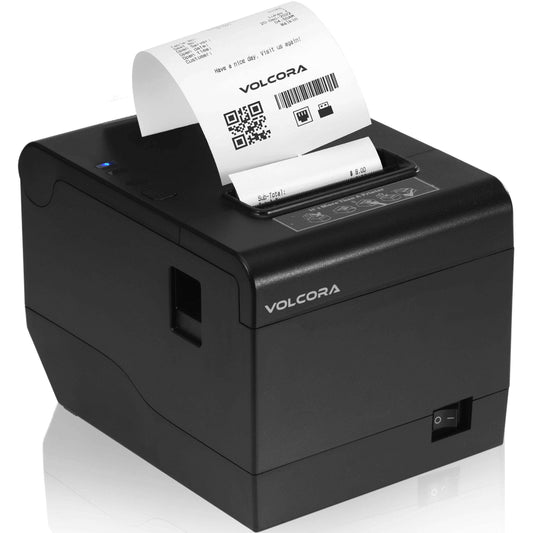
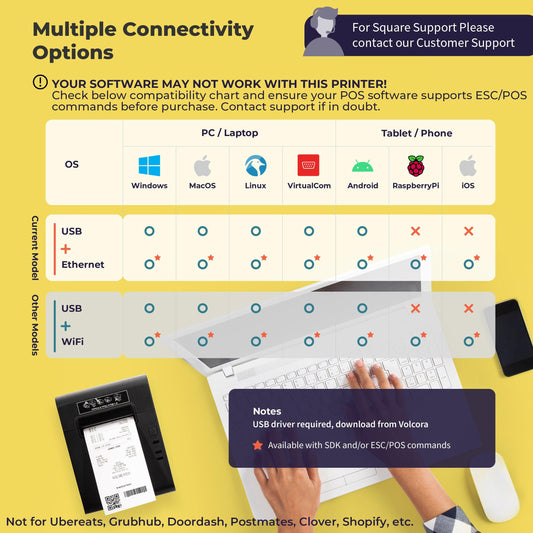
Overlooking Hardware Compatibility: Hardware such as POS terminals, barcode scanners, receipt printers, and cash drawers must integrate properly to avoid checkout disruptions.
-
Not Factoring in Payment Processing Rates: Processing fees vary. Even small percentage differences can significantly impact profit margins over time, so review fee structures carefully before committing.
Final Thoughts
The choice between a POS system and a cash register ultimately comes down to how much control and visibility your business needs. A cash register handles basic transactions, while a POS system supports inventory management, reporting, customer tracking, and multi-channel growth.
If you’re planning to scale, improve efficiency, or streamline operations, investing in the right POS setup makes a measurable difference. Volcora supplies software-agnostic POS hardware (terminals, cash drawers, barcode scanners, and receipt printers) compatible with the leading POS platforms.
Frequently Asked Questions
Is a POS system just a digital cash register?
No. While a POS system processes sales like a cash register, it does much more. It includes inventory management, customer tracking, reporting, employee management, and often online sales integration, making it a full business management tool rather than just a checkout device.
Can a small business start with a cash register?
Yes, very small or low-volume businesses can begin with a cash register if they only need to record basic sales transactions. However, as inventory grows or reporting becomes more important, many small businesses eventually upgrade to a POS system for better control and efficiency.
Do POS systems require internet connection?
Most cloud POS systems and mobile POS systems work best with an internet connection. However, some offer offline modes that allow you to continue processing transactions temporarily until the connection is restored.
Which option is more secure?
POS systems generally offer stronger security features, including encrypted payment processing, user permissions, and detailed transaction logs. A traditional cash register provides basic physical security but lacks advanced digital safeguards and audit trails.