

Best POS System: Top Features & How to Choose

Choosing the best POS system is one of the most important decisions small business owners make. A modern point-of-sale system affects how you complete transactions, track inventory, manage customers, and measure sales performance. When your POS is user-friendly, reliable, and compatible with leading platforms like Clover, Shopify POS, and Lightspeed, you reduce customer frustration, streamline operations, and gain clearer visibility into how your business runs day to day.
As a POS hardware and solutions provider, Volcora works closely with businesses across these categories, offering real-world insight into what features actually matter. This guide explains how to evaluate options, understand pricing (including hidden fees), and choose a POS system that supports growth without unnecessary complexity.
What Makes a POS System “The Best”?

A POS system is more than a checkout tool. The best systems help businesses manage sales processes, customer management, inventory, and reporting from one platform.
Please note: Volcora supplies POS hardware only. Our POS terminals, barcode scanners, receipt printers, and cash drawers are designed to work in conjunction with the POS software you choose. The full “POS system” is created by combining compatible software, payment processing, and Volcora hardware.
Strong POS systems share four traits:
-
Fast, reliable payment processing through a trusted payment processor
-
Accurate stock management with advanced inventory features
-
Clear customer data and sales reporting
-
A unified system that supports in-store, online sales, and online transactions
When these elements work together, businesses can scale without adding unnecessary software tools or manual work.
Key Features of the Best POS Systems
The best POS systems are built around core capabilities that impact daily operations, customer experience, and long-term scalability. Payment processing plays a key role in how efficiently each sale is completed.
Payment Processing That Matches How Customers Pay
Payment processing is central to any POS setup. Customers expect fast and secure transactions, whether paying by card or contactless methods.
Volcora POS terminals are payment-processor flexible, meaning they are not tied to a specific provider. This gives businesses the freedom to choose the payment solution that best fits their operational and financial needs while using reliable commercial-grade hardware.
Common payment options include:
|
Payment Type |
Why It Matters |
|
Credit and debit cards |
Covers most in-store sales |
|
Mobile Wallets |
Speeds up contactless checkout |
|
Online payments |
Supports ecommerce orders |
|
Gift cards |
Drives repeat visits |
Speed matters, especially in a busy retail business or restaurant industry. A user-friendly checkout flow reduces errors, shortens lines, and improves customer engagement.
Fee transparency is equally important. Some POS providers advertise low rates but hide extra charges in refunds, chargebacks, or online features. Always review processing terms carefully to avoid hidden fees that eat into gross sales.
Inventory and Stock Management
Inventory management is where many systems fall short. The best POS systems help businesses track inventory in real time and support advanced inventory features for growing operations.
You should expect:
-
Real-time stock management across locations
-
Product variants by size, color, or style
-
Low-stock alerts
-
Sales reporting tied directly to inventory movement
For a boutique shop or retail business with many SKUs, accurate stock management prevents overselling and protects cash flow. Cloud-based systems let you track inventory from anywhere, making it easier to manage sales and restocking decisions.
Customer Profiles, Loyalty & Engagement
Customer management is key to long-term growth. A good POS system builds a customer directory automatically, storing purchase history, contact details, and preferences.
Customer loyalty tools often include:
-
Purchase-based rewards
-
Discount tracking
-
Customer notes for staff
-
Marketing tools tied to sales data
These tools help increase repeat visits and reduce customer frustration caused by inconsistent service. When loyalty and customer engagement features live inside your POS hardware, staff can act on them immediately.
Omnichannel Selling and Online Features
Modern businesses sell across multiple channels. A strong POS system supports in-store sales, online sales, and online transactions from a single dashboard.
Key omnichannel capabilities include:
-
Shared inventory between store and online store
-
Unified customer profiles
-
Centralized order and fulfillment management
-
Consistent pricing across channels
This unified system prevents mismatched data and keeps sales processes smooth across all platforms.
Choosing the Right POS System for Your Business
Different business types require different POS strengths. The right system should align with how you sell, what you manage daily, and how much control you need over inventory, staff, and customer data.
Retail POS Systems
Retail POS systems focus on speed, inventory depth, and reporting tools. If you sell physical products, your POS should handle frequent stock changes and high transaction volume.
Core retail features include:
-
Barcode scanning
-
Product variants
-
Returns and exchanges
-
Inventory and sales reporting
Retailers selling online benefit from POS systems that sync stock with their online store automatically. Hardware compatibility also matters. Your POS should work smoothly with cash drawers, receipt printers, and mobile devices.
Restaurant POS Systems
In the restaurant industry, speed and order accuracy are critical. A restaurant POS system must support menu management, modifiers, and kitchen communication.
Key restaurant features include:
-
Menu management and pricing control
-
Table and order tracking
-
Kitchen display system or ticket routing
-
Online ordering and pickup
These industry-specific features reduce errors and help manage business food operations efficiently during peak hours.
Service-Based and Professional Services
Professional services businesses sell time rather than products. POS systems here focus on scheduling, billing, and customer records rather than stock management.
Important features include:
-
Appointment booking
-
Invoicing and card-on-file payments
-
Customer history and notes
A clean, user-friendly interface matters because checkout often happens quickly at the end of a service.
Essential POS Hardware & Integrations

Essential POS hardware connects your software to real-world transactions, and at the center of every setup is the POS terminal. Choosing the right devices ensures payments are processed quickly, inventory is tracked accurately, and checkout runs smoothly during busy periods.
POS Terminal: The Core of Your System
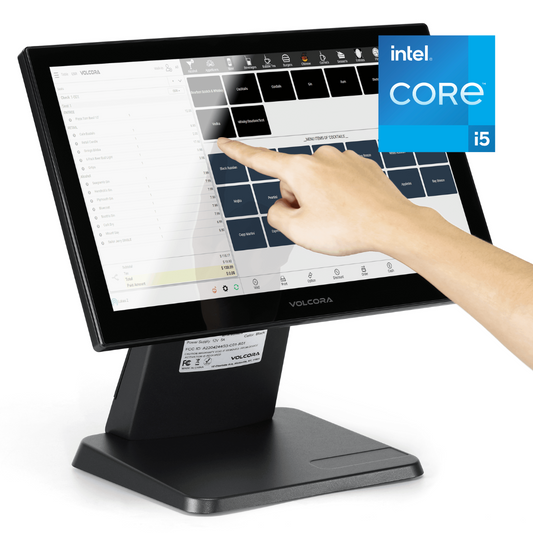
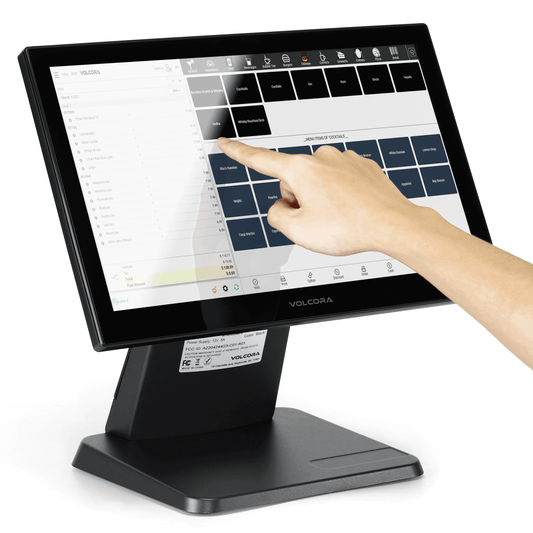
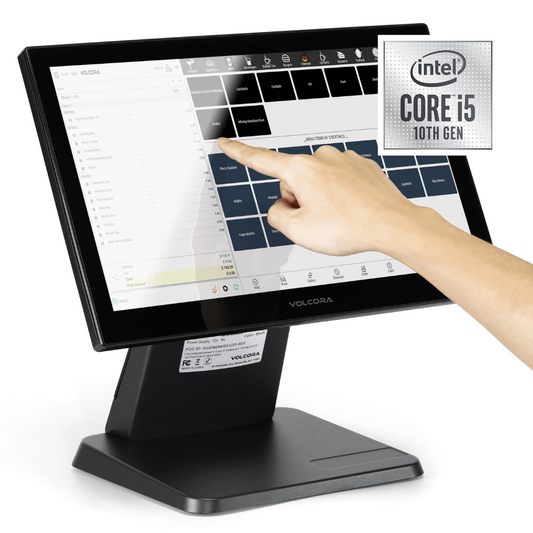
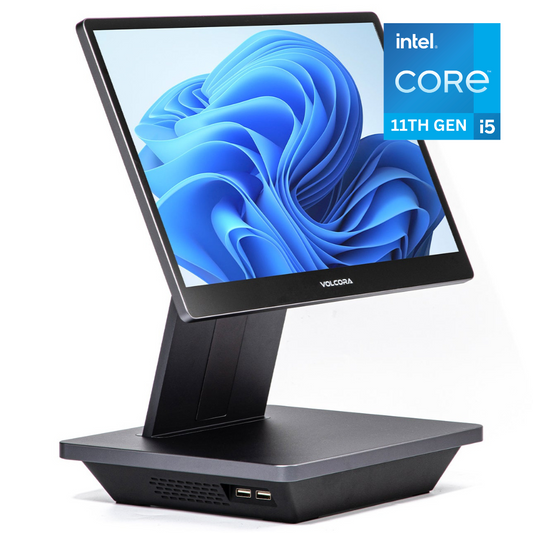
The POS terminal is the primary device that runs your POS software and coordinates every transaction. It connects to your card reader, barcode scanner, receipt printer, and cash drawer, acting as the central hub of your checkout environment. Commercial-grade POS terminals are built for continuous daily use, offering better durability and performance than consumer tablets.
Card Readers, Scanners & Cash Registers
Card readers determine how you accept payments. Wireless readers allow flexibility, while fixed readers suit busy checkout counters.
Barcode scanners improve speed and accuracy, especially in retail environments. These tools help manage sales and track inventory efficiently.
Receipt Printers & POS Hardware Setup Hardware Bundles
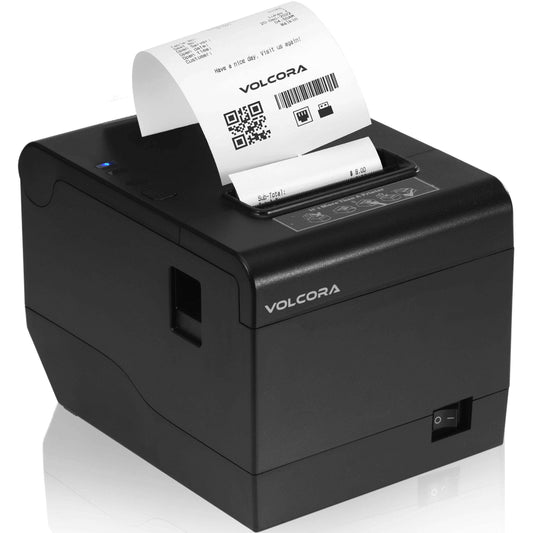
Thermal receipt printers are fast, reliable, and designed for consistent daily use in retail and hospitality environments. While many POS software systems also support digital receipts, a dependable physical printer remains essential for most in-store transactions.
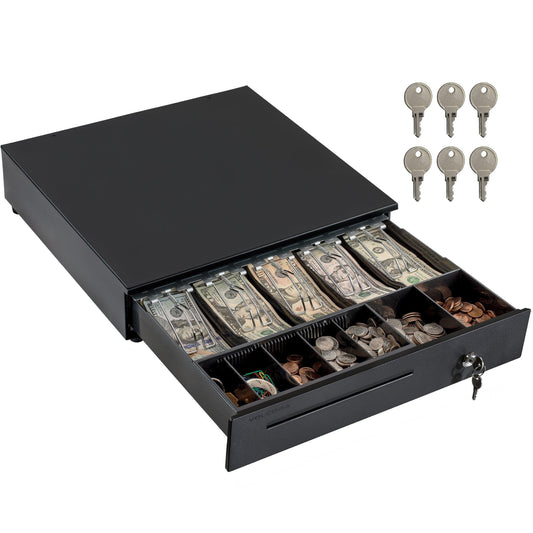
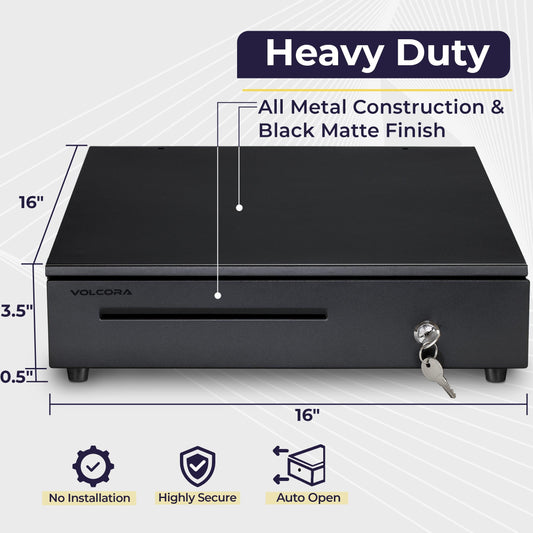
Receipt printers are often purchased alongside other POS hardware components such as a POS terminal, barcode scanner, and cash drawer to create a complete checkout setup. Choosing compatible hardware ensures smoother performance, easier installation, and a more reliable transaction experience at the counter.
Integration Capabilities
Strong integration capabilities connect your POS with accounting platforms, inventory systems, and marketing tools. These integrations keep data synced and reduce manual entry.
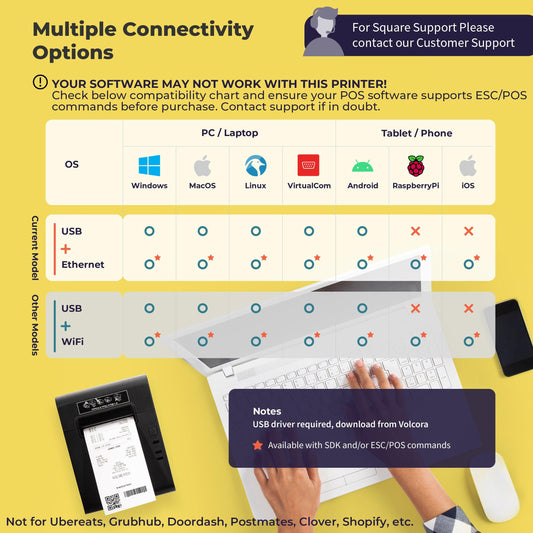
Tip: Before choosing a POS, confirm compatibility with your existing software tools to avoid costly workarounds.
POS Pricing, Plans & Fees
POS pricing can impact long-term profitability more than many businesses expect. Most POS systems include monthly software subscriptions, payment processing fees, and optional add-ons depending on the provider.
Please note: Volcora provides hardware only. We do not offer POS software or payment processing services. Any pricing related to software plans, subscriptions, or transaction fees depends on the POS provider you choose. Volcora hardware is designed to work with a wide range of POS systems, giving businesses the flexibility to select the software and payment processor that best fits their needs.
Free Plans vs Paid Plans
Free plans are attractive for startups and small businesses with low volume. However, paid plans often unlock advanced inventory features, reporting tools, and employee management.
Paid plans typically cost $30–$100 per month per register but can lower total cost as sales grow.
Transaction Fees and Processing Costs
Transaction fees apply to every sale. Rates vary by payment method, card type, and volume. Online transactions usually cost more than in-person payments.
Some POS providers lock you into their payment processor, while others offer flexibility. Always review refund, chargeback, and compliance fees to avoid surprises.
Final Thoughts
The best POS system is one that fits how your business actually operates. Whether you run a retail business, restaurant, boutique shop, or professional service, the right POS hardware helps you manage sales, track inventory, reduce customer frustration, and grow with confidence.
Drawing on real-world experience supporting businesses across these environments, Volcora emphasizes choosing systems that are user-friendly, transparent on pricing, and flexible enough to support your business as it evolves.
Frequently Asked Questions
What POS features matter most for small businesses?
Fast checkout, simple setup, inventory tracking, and clear reporting are essential.
What’s different about retail POS systems?
They focus on inventory depth, barcode scanning, variants, and returns.
What should food trucks consider?
Restaurants and hospitality businesses should prioritize reliable POS terminals, receipt printers, and kitchen ticket printing hardware to keep service flowing smoothly. Fast checkout processing, durable equipment, and seamless integration with payment devices are essential during peak hours.
Do service businesses need inventory tools?
Some service businesses may not require full retail-style inventory tracking, but many still benefit from POS hardware such as receipt printers, card readers, and terminals for smooth payment processing. Businesses that sell physical products, parts, or retail items often need barcode scanners to manage stock accurately and streamline transactions.