

Best Retail POS: Features, Systems & How to Choose the Right One

Choosing the best retail POS system is one of the most important decisions a store owner can make. A modern point of sale POS does far more than act as a digital cash register, it influences how efficiently you manage inventory, track sales trends, process in-person sales, and support customer interactions across all sales channels.
In retail environments, small inefficiencies quickly add up. Slow checkout hurts operational efficiency. Poor inventory visibility leads to stockouts or excess inventory. Limited reporting makes it harder to understand sales processes or improve customer service. The right POS system keeps inventory, sales, and customer data aligned, so business operations stay smooth as you grow.
This guide explains how the best POS systems work in retail, what key features matter most, how hardware and software integrate, and how to choose a POS provider that fits both your current needs and future plans.
What Makes the Best Retail POS?
The best retail POS systems balance speed, accuracy, and flexibility while supporting both in-store and online sales. Retail businesses often deal with complex inventory needs, multiple sales channels, and customer loyalty programs, which require more advanced tools than basic checkout systems.
At a minimum, a strong retail POS should:
-
Process transactions quickly with integrated payment processing
-
Track sales and inventory in real time
-
Support barcode scanning and product variants
-
Handle returns, exchanges, and custom pricing
-
Provide clear reporting on sales trends and performance
Beyond that, the best retail POS systems are built with strong integration capabilities, allowing them to connect with accounting software, inventory tools, and other business tools without slowing down daily operations.
Essential Features of the Best Retail POS Systems

The best retail POS systems share a core set of features that directly impact checkout speed, inventory accuracy, and operational efficiency. Understanding these key features makes it easier to compare systems and choose one with a comprehensive feature set tailored to retail.
Fast, Reliable Checkout
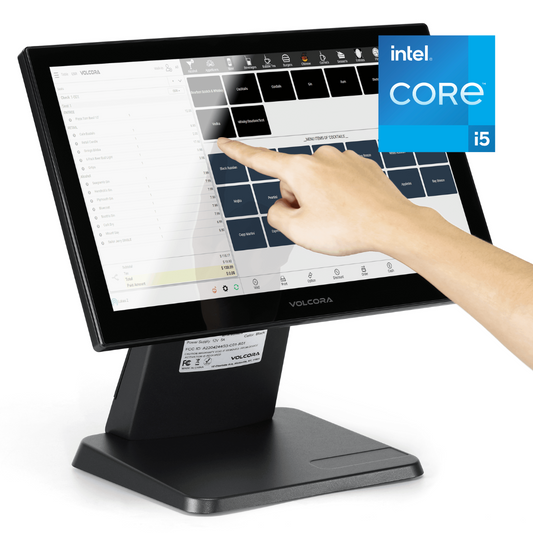
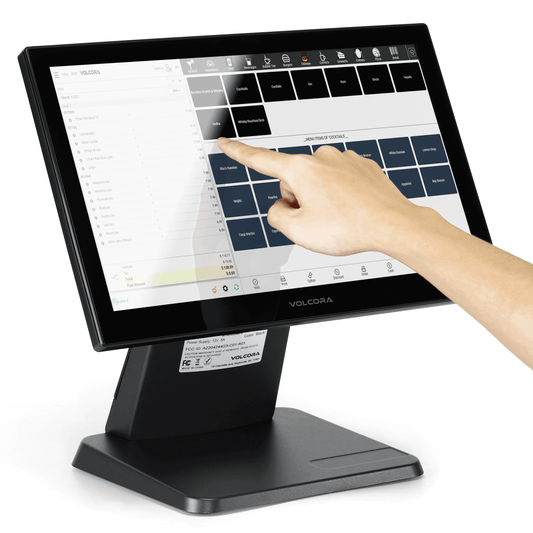
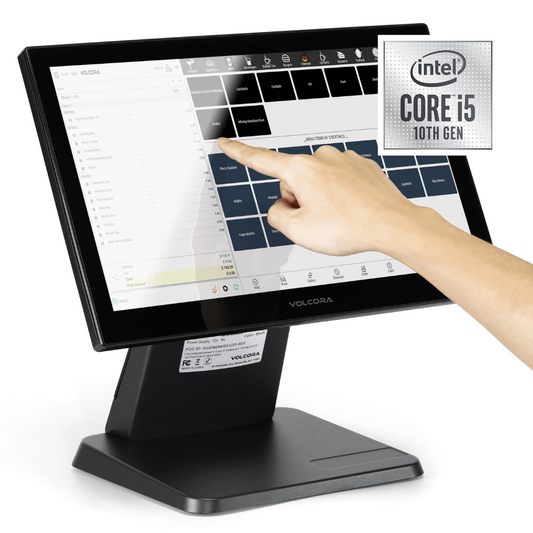
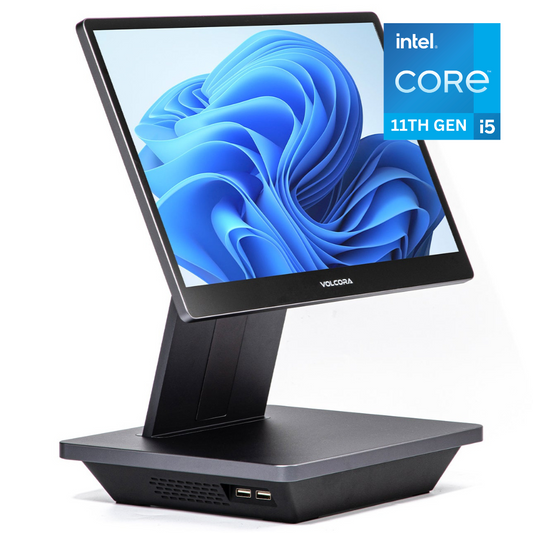
Checkout speed matters. The best retail POS systems support credit cards, contactless payments, and mobile options. To keep your counter organized during high-volume sales, many retailers pair their software with all-in-one touchscreen terminals.
Inventory Management Built for Retail
A robust POS should update stock levels automatically. For retailers managing large catalogs, handheld Android scanners allow staff to check stock levels and process inventory updates away from the main counter.
Barcode Scanning and Product Lookup
Barcode scanning is essential for retail efficiency. Scanning items speeds up checkout, improves accuracy, and helps businesses track sales properly.
The best retail POS systems:
-
Support handheld or fixed scanners
-
Sync scanned sales directly to inventory records
-
Improve speed for high-volume in-person sales
This is especially important for stores with frequent price updates or complex inventory needs.
Returns, Discounts, and Promotions
Retail businesses handle returns and promotions daily. A strong POS system manages these without disrupting customer interactions.
Look for systems that support:
-
Easy returns and exchanges
-
Discount rules and loyalty programs
-
Manual price adjustments with permission controls
-
Clear audit trails to protect against loss
These tools protect margins while enhancing customer experience and supporting customer loyalty.
Best Retail POS Systems by Business Type

Not all retail businesses operate the same way. The best retail POS for one store may not work for another.
Best Retail POS for Small Businesses
Small businesses often prioritize affordability and simplicity while still needing professional tools.
Key priorities include:
-
Easy setup and low monthly fee options
-
Simple inventory and customer management
-
Integrated payments and digital receipts
-
Mobile POS support for flexibility
Many small retailers start with systems like Square POS, which offers a POS app, integrated payments, and simple tools to track sales.
Best Retail POS for Boutiques and Specialty Shops
Boutiques often rely on strong customer relationship management (CRM) and detailed inventory tracking.
Important features include:
-
Variant tracking for size and color
-
Customer directory with purchase history
-
Loyalty programs to improve customer engagement
-
Custom pricing and promotions
Many small retailers start with accessible platforms like uServe Retail, which offers intuitive POS software, integrated payments, and built-in tools to track sales and manage daily operations.
Other popular options such as Shopify and Lightspeed Retail are also widely used in retail environments, particularly for businesses combining in-store and online sales. However, retailers often prioritize solutions like uServe Retail when they want streamlined functionality and compatibility with dedicated POS hardware setups.
Best Retail POS for Multi-Location Stores
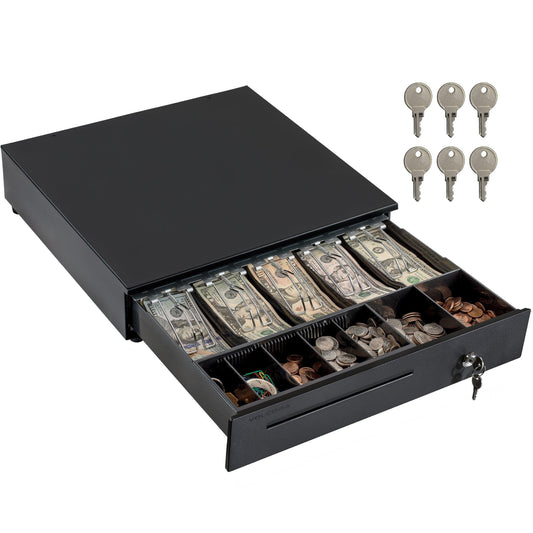
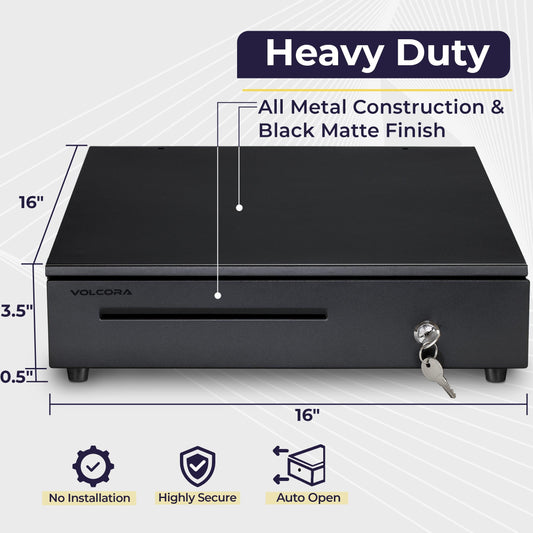
For multi-location retailers, centralized control and hardware consistency are essential. Standardizing equipment, such as using 16" heavy-duty cash drawers across all branches, ensures uniform checkout setups, easier staff training, simplified maintenance, and smoother reporting across locations.
When every store operates with the same POS hardware configuration, it reduces compatibility issues, improves operational efficiency, and makes scaling to new locations much easier.
Retail POS Software vs POS Hardware: Why Both Matter
While POS software manages pricing, inventory, reporting, and customer data, hardware ensures every transaction runs reliably at checkout. For retail businesses, both components must work together seamlessly.
Why dedicated POS hardware matters:
-
Improves checkout speed with purpose-built POS terminals
-
Handles continuous daily use in high-traffic retail environments
-
Supports essential peripherals like barcode scanners, receipt printers, and cash drawers
-
Reduces reliance on personal tablets or consumer-grade mobile devices
-
Minimizes downtime during peak hours
Volcora POS terminals and compatible hardware are designed to integrate smoothly with retail POS software, helping retailers create a stable, efficient checkout setup built for long-term performance and growth.
Inventory, Reporting, and Retail Analytics

Strong reporting tools turn POS data into actionable insights that help retailers make smarter decisions.
Sales Reporting That Drives Decisions
The best retail POS systems provide reports on:
-
Gross and net sales
-
Sales by product, category, or channel
-
Employee performance
-
Sales trends over time
These insights help retailers manage sales more effectively and improve operational efficiency.
Inventory Analytics and Forecasting
Inventory analytics help retailers:
-
Identify top-selling products
-
Reduce overstock and shrinkage
-
Plan reorders accurately
-
Improve cash flow
Retailers who actively use POS data make better purchasing decisions and streamline operations.
Retail POS Pricing: What It Really Costs
POS pricing varies widely and affects long-term profitability.
Software Costs
Retail POS pricing often includes:
-
Free plans with limited features
-
Monthly subscription fees for more advanced features
-
Add-ons for loyalty, CRM, or inventory
Free plans work for some stores, but growing retailers often need paid tiers to unlock more advanced tools.
Payment Processing and Hidden Fees
Every POS provider charges processing fees for transactions. Watch for:
-
Transaction rates
-
Monthly fees
-
Hidden fees for refunds or integrations
Understanding total costs upfront helps businesses avoid surprises.
How to Choose the Best Retail POS for Your Store
When comparing options, ask:
-
Can the system manage complex inventory?
-
Does it support online store and in-person sales?
-
Are accounting software and CRM integrations available?
-
Does it improve customer service and loyalty?
The right POS system should help you manage sales, streamline operations, and enhance customer interactions as your business grows.
Final Thoughts
Choosing the best retail POS system comes down to finding a solution that fits how your store operates today while supporting future growth. The right setup combines reliable checkout performance, strong inventory management, and compatibility with the POS software and business tools you already rely on.
Retailers choose Volcora for POS hardware designed for real-world retail environments—built to integrate smoothly with leading POS platforms and support daily operations without added complexity. With durable hardware and flexible configurations, Volcora helps businesses build POS setups that scale with confidence as needs evolve.
Frequently Asked Questions
What is the best retail POS system?
The best retail POS system depends on store size, inventory complexity, and growth plans. The right system balances fast checkout, accurate inventory, and clear reporting.
Do retail POS systems require special hardware?
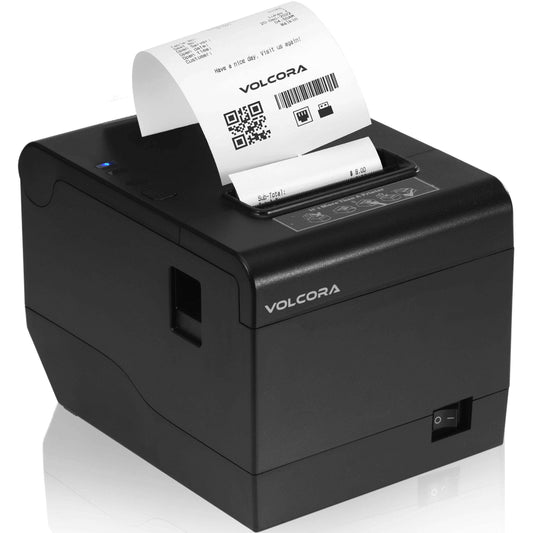
Yes. While some software runs on mobile devices, dedicated hardware like thermal printers and scanners are essential for professional, high-volume retail.
Is retail POS different from restaurant POS?
Yes. Retail systems focus on inventory depth and barcode scanning, whereas restaurant systems prioritize table management and kitchen printing.
How much does a retail POS system cost?
Costs vary based on software plans, payment processing fees, and hardware. Small retailers can start with low-cost setups, while larger stores invest more upfront for scalability.