

How Much Does a POS System Cost: A-Z POS Fees Explained

How much does a POS system cost? A POS system usually costs about $30 to $100+ per month for software, $300 to $1,500+ per lane for hardware, and 1.5% to 3.5% per card transaction in processing fees. A complete checkout lane runs around $600 to $2,500 in hardware. Your real cost depends on how many lanes you run and which features you turn on.
This guide breaks down every line item like upfront vs. monthly, must-haves vs. nice-to-haves, so you can set a budget without paying for features you’ll never use. We’ll also cover hidden costs many teams miss: replacements, support, training time, and the price of downtime during peak hours.
Whether you’re launching your first store or replacing an aging setup, you’ll get a clear TCO checklist to match your goals and volume. Volcora offers smart, reliable POS hardware solutions. Use our lineup to benchmark configurations and pricing as you build your plan.
Key Takeaways
-
Plan for three cost buckets: software ($30 to $100+/mo), hardware ($300 to $1,500+ per lane), and processing fees (about 1.5% to 3.5% per card transaction). Add them up over 12 to 36 months, not just the day-one purchase.
-
Fit the system to how you work before you pay for features. Match the equipment to the job (retail vs restaurant), and only add extras once they earn their keep.
-
Keep surprise costs down by standardizing your equipment, checking cable compatibility before you buy, and watching your recurring charges.
Typical POS System Costs

Here’s a quick way to budget your POS: know the ranges, split upfront vs. ongoing, and total it over 12–36 months.
POS System Price Ranges
-
Hardware (full lane): ~$600–$2,500 for terminal, printer, scanner, cash drawer.
-
Tablet/mobile setups: ~$300–$800 for basic reader + stand + printer.
-
Software: ~$30–$100/month per location (features, users, locations drive price).
-
Card reader: ~$20–$50 + processing fees.
Upfront vs. Ongoing Expenses
Upfront costs are hardware, installation, and setup or training. Buying the hardware outright usually beats leasing over the long run. Ongoing costs are your monthly software fee, processing fees, and any add-ons like loyalty or advanced inventory, plus support. Then there’s refresh: budget to replace hardware every few years so a failed terminal doesn’t stop the line.
Total Cost of Ownership (TCO)
The all-in number covers hardware depreciation, software renewals, transaction fees, support, and training. To keep TCO down, buy only the parts you need, skip long leases, take the free cloud updates where they come included, and standardize your equipment so spares and training stay simple.
Breakdown of POS Hardware Costs

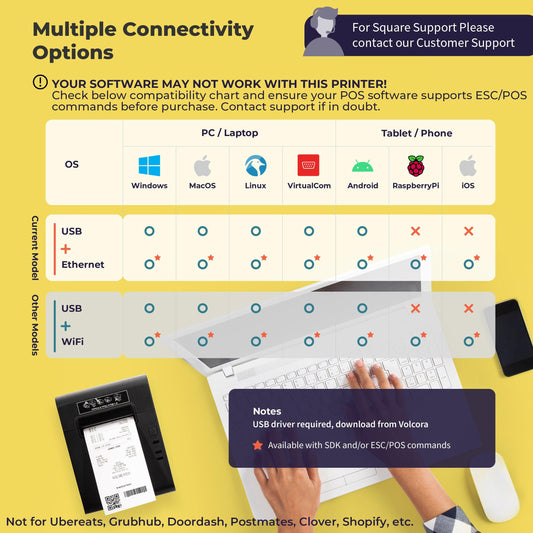
What drives your hardware bill is the setup, a single counter versus a multi-station floor, more than the brand on the box. We build Volcora hardware to work with the POS software and payment processor you already run, with no lock-in, so you can price the hardware on its own.
Hardware Bundles and Standalone Devices
Hardware bundles often lower your POS cost by packaging a terminal, receipt printer, cash drawer, and barcode scanner together. Small businesses can start lean with a tablet stand and a basic card reader, then add devices as the retail business grows, without overbuying.
Before you commit, match bundle contents to your business needs (e.g., do you really need kitchen screens or just tools to track inventory?) and remember hardware is separate from credit card processing fees, a provider’s subscription model, and other additional fees most POS providers charge. When researching pos systems, compare bundles vs. standalone gear from leading vendors to balance durability, upgrade path, and total cost.
Major POS Hardware Components
A quick, buyer-friendly snapshot of what each device does, what to budget, and where to browse.
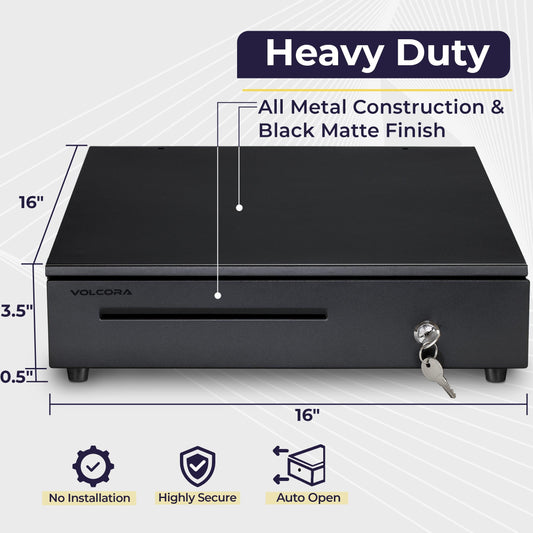
|
Component |
What It Does |
Typical Volcora Range |
|
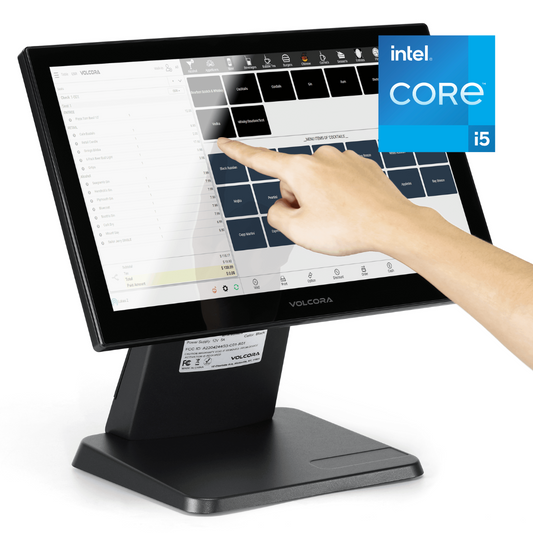
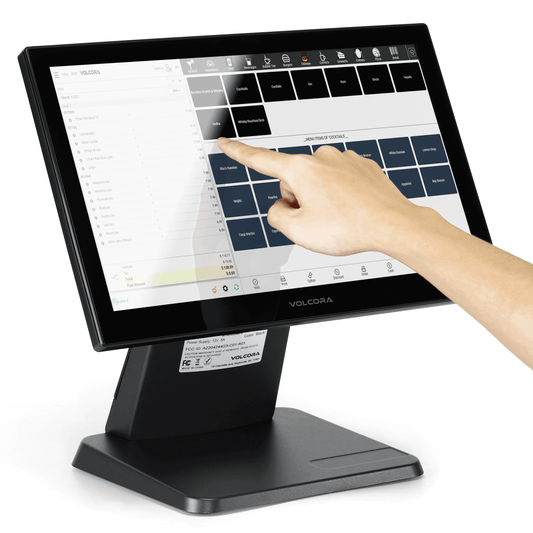
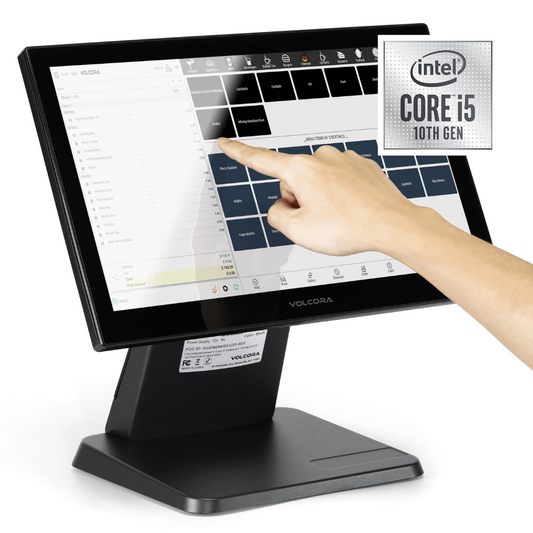
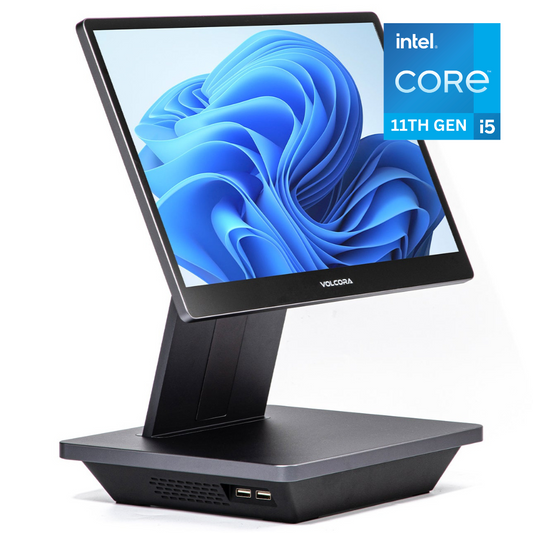
Runs your POS app (Windows / Android) and connects all peripherals |
$499 - $1200 |
|
|
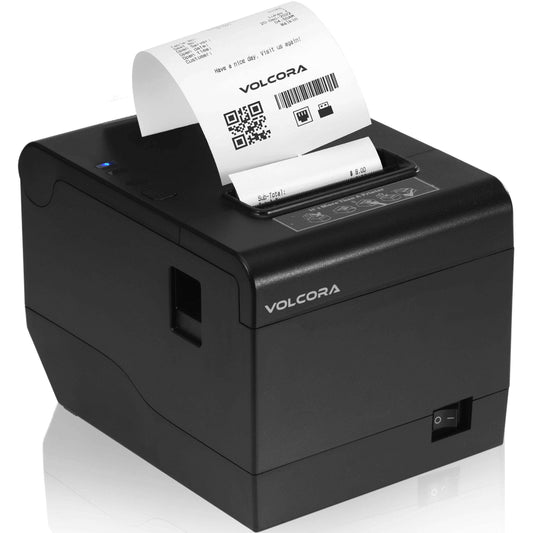
Prints fast, clean receipts; ideal for retail / restaurant lanes |
$79 - $129 |
|
|
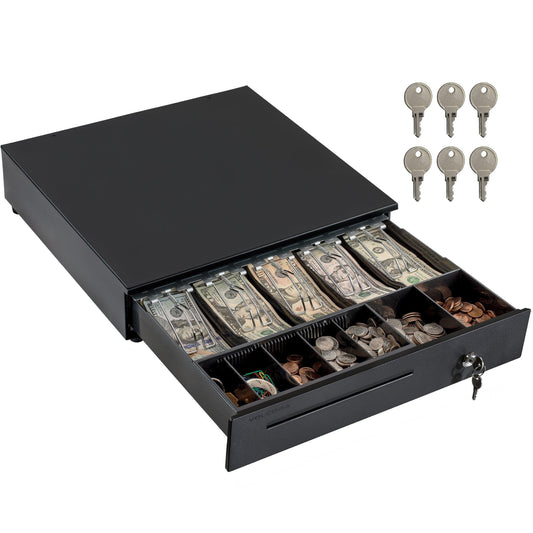
$39 - $109 |
||
|
Speeds item lookup; updates inventory on scan |
$35 - $89 |
|
|
Mounting brackets, coin trays, kick cables, receipt paper |
$9 - $49 |
|
|
Card Reader (3rd-party) |
Accepts chip/tap/swipe; from your payment provider |
$0 - $49 (+ processing fees) |
*Ranges reflect common Volcora pricing windows; exact pricing varies by model, spec, and inventory. Check specific collections so you can build a lane to your budget.
Retail vs. Restaurant Hardware
Retail: Use a compact checkout: touchscreen terminal, receipt printer, barcode scanner, and cash drawer, optimized for fast scanning and quick cash handling, and ensure EPOS Now compatibility. We’re an Epos Now partner, providing reliable cash drawers to their expanding network.
Restaurant: Add kitchen display systems (KDS) and handheld/card-present devices for tableside orders and payments; kiosks need rugged screens and stable mounts.
Across both, match hardware to workflow and environment to cut downtime and long-run costs.
POS Software Pricing Models

Pricing hinges on how you pay, which features you need, and your business type. Plans range from free starters to higher tiers with advanced inventory and reporting. Your total cost also reflects hardware, add-ons, and service fees.
Subscription vs. One-Time Fees
Most popular POS systems use a monthly subscription fee (commonly ~$50–$200 per location) that scales by locations, users, or terminals with updates and support included.
Legacy/on-prem licenses charge a larger upfront fee (often thousands) with separate costs for updates/support. Choose subscriptions for flexibility and cloud access; one-time licensing if you prefer ownership and self-maintenance. Read the Evolution of POS Systems to see how far things have progressed since inception of the humble cash register.
Free POS Software and Limitations
Free tiers (e.g., “lite” plans) cover the essentials like sell, accept payments, basic reporting. They’re great for testing or pop-up shops, but limits apply: single register, capped users, restricted inventory. Processing rates are often higher, so as volume grows the “cheapest POS system” can cost more over time. Most teams upgrade for multi-location tools, analytics, and automation.
Add-Ons and Industry Features
Loyalty programs, gift cards, employee management, accounting links, and other modules run about $10 to $50 per month each, or come bundled into a premium plan. Add them when you'll use them, not before.
Payment Processing and Transaction Fees
These costs are unavoidable with any POS solution. Knowing the levers helps you control your effective rate.
-
Standard rates (know the pieces): Expect ~2.3%–2.9% for card-present and 3%–4% for online/keyed. Each fee = interchange (issuing bank) + assessment (card network) + processor markup.
-
Pricing models: Flat rate is predictable; interchange-plus can be cheaper at volume; tiered varies by card type. Ask for a side-by-side quote before you decide.
-
Volume & mix matter: Higher monthly sales often win discounts. Premium/rewards credit or debit card transactions carry higher interchange, raising your blended rate.
-
Payment methods: Contactless and mobile wallets (Apple Pay/Google Pay) price like card-present but can differ by processor, so check the rate sheet.
-
Security & compliance: Budget for PCI DSS (sometimes $5–$30/month) if not included. Ensure your payment gateway supports in-store and online with encryption and tokenization across all channels.
Choosing the Best POS System for Your Business

Pick a POS that fits how you sell, then make sure the price matches the value you’ll get every day. Prioritize workflow fit, reliability, and clear pricing over brand hype.
Comparing POS Providers
Square, Shopify POS, Lightspeed, and Clover are common choices. Smaller retailers often want cloud software with an ecommerce link. Larger operations need advanced inventory and multi-location support. Because Volcora makes the hardware and not the software, our terminals and peripherals work with these platforms rather than competing with them, so you can pick the software first and the hardware second.
Industry-Specific Solutions
Restaurants need table management, bill splits, and a KDS. Retail needs barcode scanning, stock control, and promotions. Service businesses need booking, customer profiles, and scheduling. Match the system to the work you actually do.
Weighing Cost vs Value
Entry-level software starts around $30 a month; advanced plans run $100+. Pay for the features that move a number you care about, and check that the contract lets you change your mind without a penalty.
Tip: Make a must-have checklist, cut nice-to-haves, and invest only where the efficiency gains are clear.
Final Thoughts

A point of sale system is only “cheap” when it delivers day-in, day-out reliability. Budget by the whole picture - hardware, software, and processing - and invest where it improves line speed, accuracy, and the customer experience. As you evaluate options, map your workflows first, then pick the few features that move the needle; most POS systems let you start lean and add later.
Keep decisions practical: right-size the terminal and peripherals, confirm total monthly cost, and stress-test support and uptime before signing. When you’re ready to sanity-check configurations and pricing, browse Volcora’s POS hardware to benchmark a setup that fits your store today, and scales with you tomorrow.
Frequently Asked Questions
What are the typical price ranges for POS systems?
Expect pos software costs of about $0–$100+/month(free tiers exist), hardware from $300–$1,500+ for a full lane, and payment transaction fees around 1.5% - 3.5%. Your total POS system cost depends on features and volume.
Does the cost vary by business size?
Yes. A single-lane shop pays for one terminal, one software seat, and one set of peripherals. A multi-location or multi-register business multiplies the hardware and the per-location software fees, and often needs advanced inventory or staff management. More lanes and more features mean a higher monthly and upfront cost.
What additional hardware costs should I consider?
Beyond the terminal, plan for a receipt printer ($79 to $129), a cash drawer ($39 to $109), a barcode scanner ($35 to $89), and accessories like mounts, coin trays, cables, and paper ($9 to $49). If you take card payments through a third party, add a card reader ($0 to $49 plus processing). Restaurants should also budget for a KDS.
How do software updates affect overall cost?
With cloud-based POS software, updates are usually included in the monthly subscription, so you get new features and security patches at no extra charge. Older on-premise software charges separately for major upgrades, which can be a large one-time cost. Cloud pricing is more predictable; on-premise can be cheaper to own long term but carries surprise upgrade bills. (Note: Volcora is hardware-only and software/payment agnostic.)
Can you break down initial vs. recurring costs?
Initial: hardware, setup/installation, training.
Recurring: monthly software costs, payment transaction fees, and optional add-ons (marketing, ecommerce platform, customer management). Evaluate the total POS system price over 12–36 months, not just day one.